Session Modals
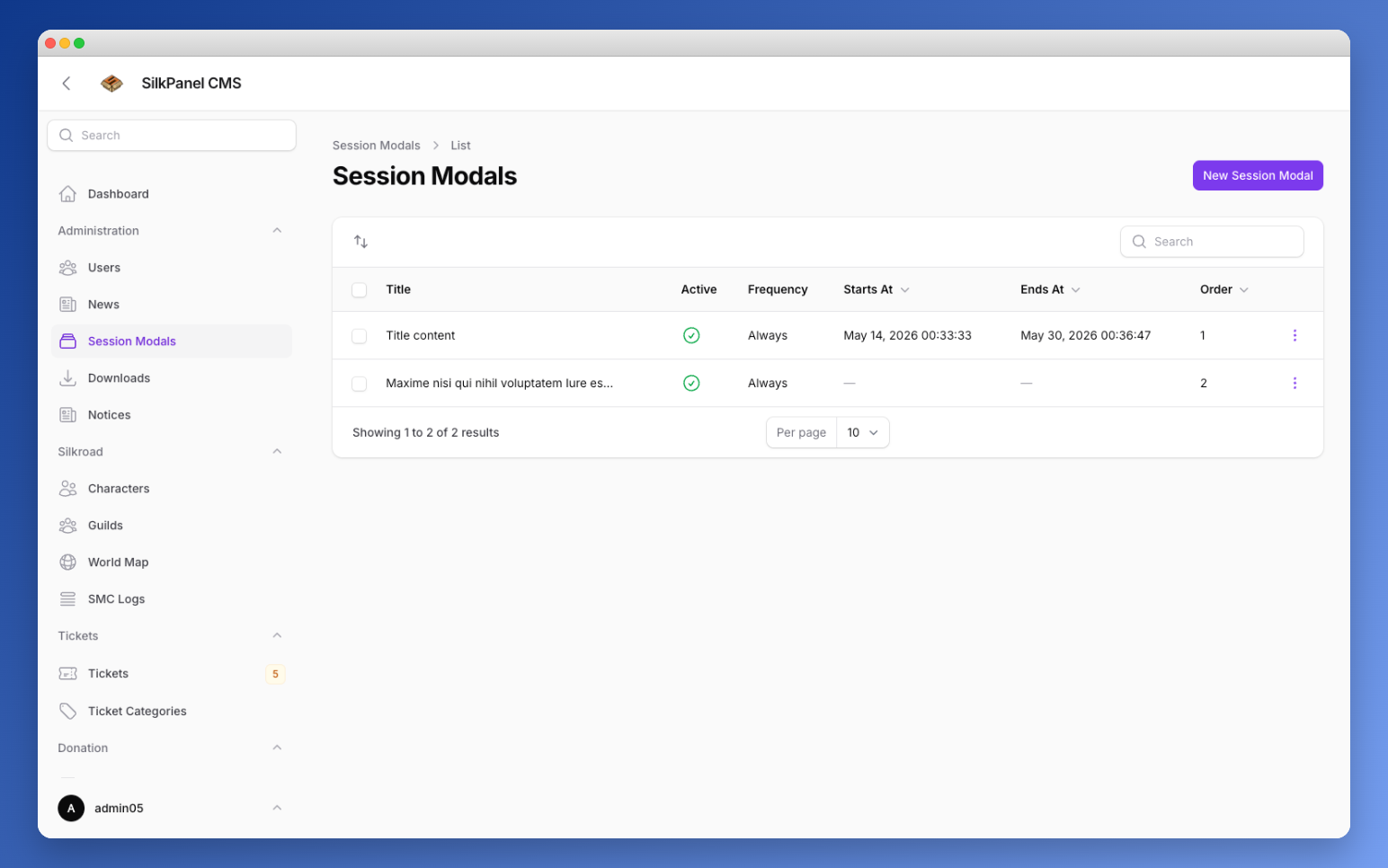
Session Modals allow you to display pop-up windows to your players – for example for announcements, notices, or call-to-action buttons.
Create Modal
Content
Configure what is displayed in the modal.
| Field | Description |
|---|---|
| Title | Optional heading displayed at the top of the modal. |
| Content (required) | The main content of the modal (text, HTML, etc.). |
| Image | Optional image displayed above the modal content (max 5 MB). |
Buttons
You can add any number of buttons to the modal. Each button has the following fields:
| Field | Description |
|---|---|
| Label (required) | The button text. |
| Style (required) | Visual style of the button, e.g. Primary. |
| URL | Target URL when clicked. Leave empty for a dismiss-only button. |
Display Conditions
Define when and to whom this modal is shown.
| Field | Description |
|---|---|
| Display Frequency (required) | How often the modal is shown, e.g. Once per session. |
| Show to (required) | Target audience, e.g. All visitors (guests & logged-in). |
| Minimum character level | Show only to players whose highest character has at least this level. Leave empty to skip. |
| Only for players who have not voted today | Only show the modal to players who have not voted today. |
| Only for new players | Only show the modal to new players. |
| Restrict to pages | Limit display to specific pages. Leave empty to show on all pages. Enter route names (e.g. dashboard, webmall.index). |
Scheduling
Optionally limit this modal to a specific time window.
| Field | Description |
|---|---|
| Start date / time | The point in time from which the modal is shown. |
| End date / time | The point in time after which the modal is no longer shown. |
Settings
| Field | Description |
|---|---|
| Active | Inactive modals are never shown to players. |
| Allow backdrop click to dismiss | Allows players to close the modal by clicking the background. |
| Sort Order | Order when multiple modals are active. Lower numbers are shown first. Default: 0. |