Items
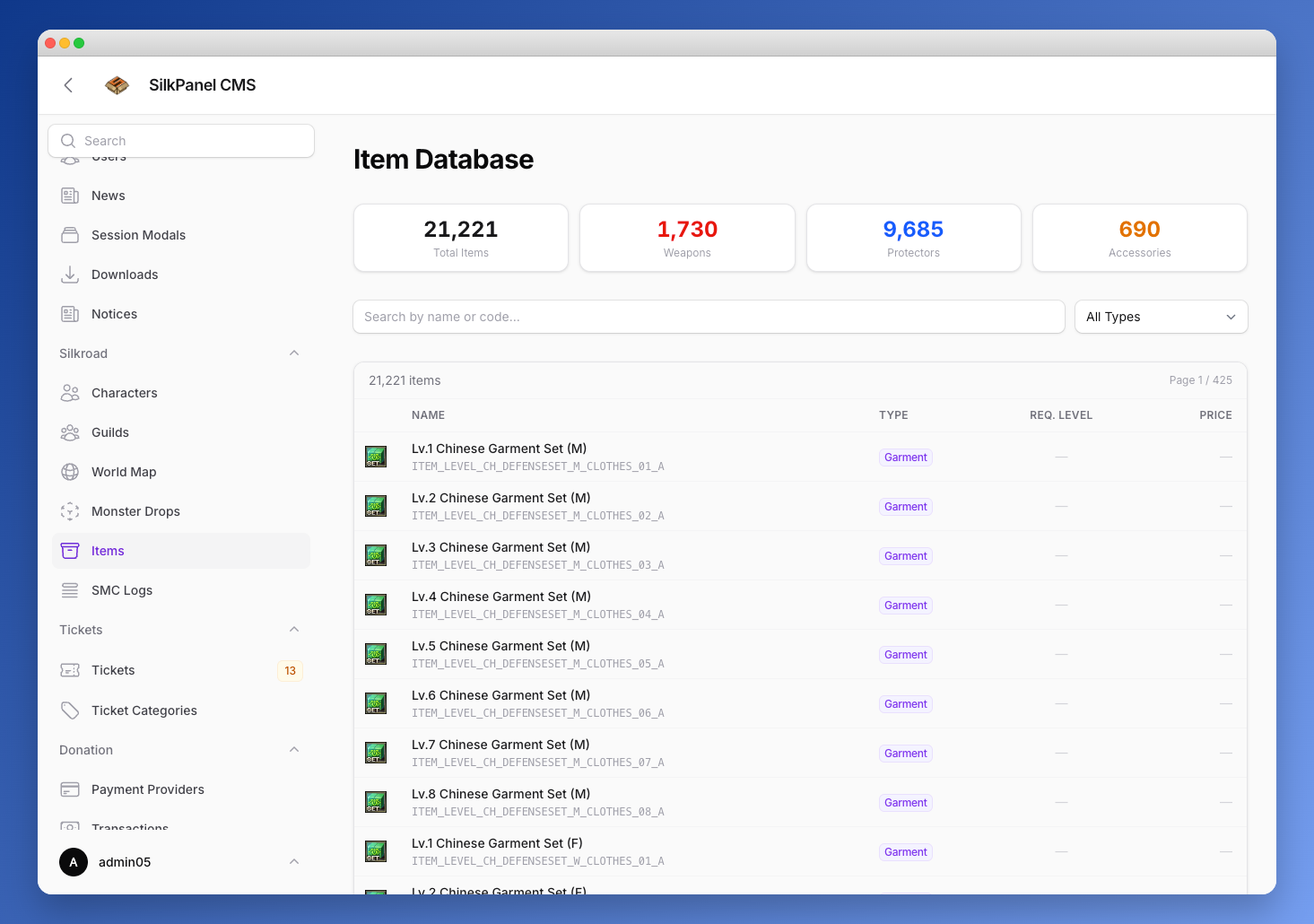
The Items page provides a searchable view of the entire item database pulled live from the shard. Search by item name, CodeName, or English translation — results show the item icon, name, level requirement, and type badge.
Item Detail Page
Clicking an item opens its detail page at /admin/items/{id}, which displays:
Header
- Item icon with fallback to a default image
- English name and CodeName
- Type badge (Weapon, Armor, Shield, Accessory, etc.)
- SOX classification badge (Sun, Moon, Star) where applicable
- Rarity badge if no SOX classification
- Cash Item and 2-Handed indicators
Combat / Item Stats
For equipment with combat values:
| Stat | Description |
|---|---|
| Physical Attack | Min–Max range |
| Magical Attack | Min–Max range |
| Hit Rate | Min–Max range |
| Critical Rate | Min–Max range |
| Physical Defense | Min–Max range |
| Magical Defense | Min–Max range |
| Evasion Rate | Min–Max range |
| Physical Absorb | Min–Max range |
| Magical Absorb | Min–Max range |
| Durability | Min–Max range |
| Max Sockets | Magic option slot count |
Overview
General item properties including CodeName, type classification, country (Chinese / European), NPC buy price, and sell price.
Gender restriction is shown for wearable equipment (TypeID2=1, excluding certain sub-types) when the item is restricted to one gender:
- Female only — items with
ReqGender=0 - Male only — items with
ReqGender=1
Trade & Drop Flags
A quick-reference flag grid showing whether the item is:
- Tradeable, Droppable, Sellable, Buyable, Cash Item